BrightDesk Learning
Couldn't load pickup availability
Licence at a glance
- Allowed: Print for your own home, office or gifts
- Not allowed: Commercial use — this edition is personal-use only
- Not allowed: Reselling, sharing or redistributing the files
- Not allowed: Print-on-demand or marketplace resale
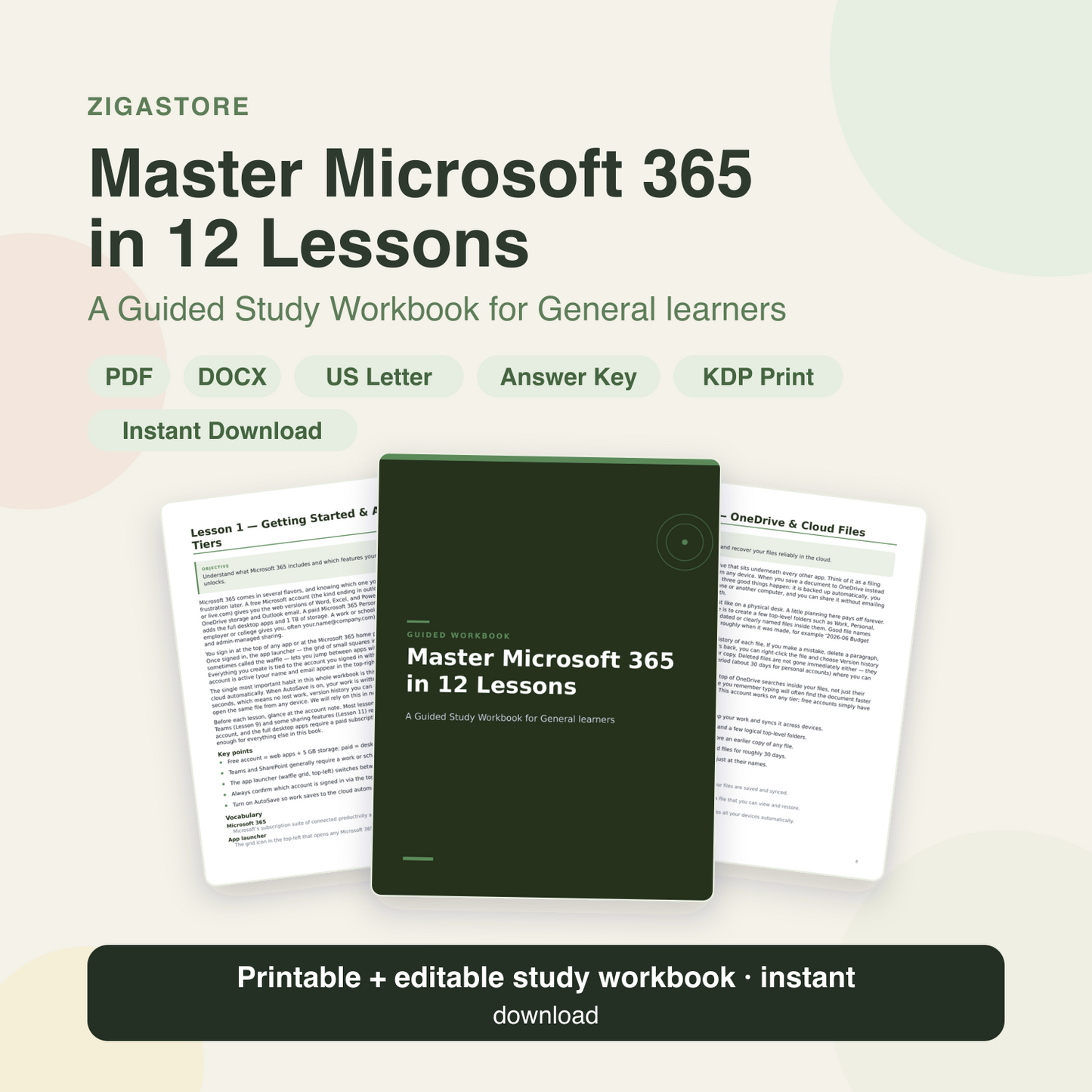
Learn Microsoft 365 productivity workbook with hands-on lessons the easy way with Master Microsoft 365 in 12 Lessons — a complete guided workbook and study guide for General learners.
This workbook is made for General learners — students, homeschool families, teachers, tutors, and self-directed learners who want a clear, do-it-yourself path through Microsoft 365 productivity workbook with hands-on lessons with room to practise on every page.
Inside you'll get real lessons, worked examples, and plenty of fill-in worksheets and exercises across 37 sections. Print it for a binder or write straight onto the editable Word version — then check your work with the built-in answers and glossary.
What's included
- 54-page printable PDF workbook
- Editable Microsoft Word (.docx) version
- 12 guided lessons that actually teach
- 4 fill-in worksheets
- 6 practice exercise sets
- Worked examples with step-by-step solutions
- Reflection prompts and checklists
- Full answer key
- Glossary of key terms
- FAQ section
- US Letter size (8.5 x 11 inches)
- Print-ready Amazon KDP paperback interior (8.5 x 11 in, fonts embedded)
- Instant digital download
Lessons & sections
- Lesson 1 — Getting Started & Account Tiers
- Pro Tip
- Worksheet 1 — Know Your Setup
- Lesson 2 — OneDrive & Cloud Files
- Worked Example — Recover an Earlier Version
- Exercise 2 — OneDrive Fundamentals
- Lesson 3 — Word: Clean Documents
- Worked Example — Build an Automatic Table of Contents
- Worksheet 3 — Plan a Styled Document
- Lesson 4 — Excel: Spreadsheet Basics
- Worked Example — Sort a Sales List
- Exercise 4 — Spreadsheet Basics
- Lesson 5 — Excel: Formulas & Functions
- Worked Example — Totals, Average, and a Locked Tax Rate
- Exercise 5 — Formulas & Functions
- Lesson 6 — PowerPoint: Clear Slides
- Worksheet 6 — Storyboard a Five-Slide Talk
- Lesson 7 — Outlook: Toward Inbox Zero
- Worked Example — A Rule for Newsletters
- Exercise 7 — Email Management
- Lesson 8 — Calendar & To Do
- Worksheet 8 — Plan One Real Day
- Reflection — How You Spend Your Week
- Lesson 9 — Teams: Work Together
- Account Check
- Exercise 9 — Collaborating in Teams
- Lesson 10 — Share & Co-author
- Worked Example — Share for Review Without Risk
- Checklist — Before You Share a File
- Lesson 11 — Power Automate: Save Time
- Worked Example — Auto-Save Email Attachments
- Exercise 11 — Automating With Flows
- Lesson 12 — Search, Security & Order
- Checklist — Monthly Digital Tune-Up
- Quote: “We become what we repeatedly do. Excellence, then, is not a…”
- Answer Key
- Glossary
- FAQ
Perfect for
- Homeschool lessons and units
- Classroom and tutoring resources
- Independent study and revision
- Skill-building practice
- Teachers and parents
- Adult learners and upskillers
- Guided journaling and reflection
- Anyone who learns by doing
How it works
After purchase you'll receive your files instantly. Print the PDF (or open the editable .docx), work through each lesson, complete the worksheets and exercises in the spaces provided, then check the answer key and glossary. Reprint or reuse the pages as often as you like.
Please note
This is a digital download. No physical product will be shipped. Your files are available to download immediately after purchase.
This is an educational resource for personal study and teaching use. It is not affiliated with any exam board, school, or certification body, and it is not professional, medical, legal, or financial advice.
Colours may vary slightly by screen and printer. Editing the Word file requires Microsoft Word or a compatible app (Google Docs or Pages).
You may use this product for your own personal or commercial work, but you may not resell, redistribute, share, give away, or repackage the files as-is.
Share